01
Record or import
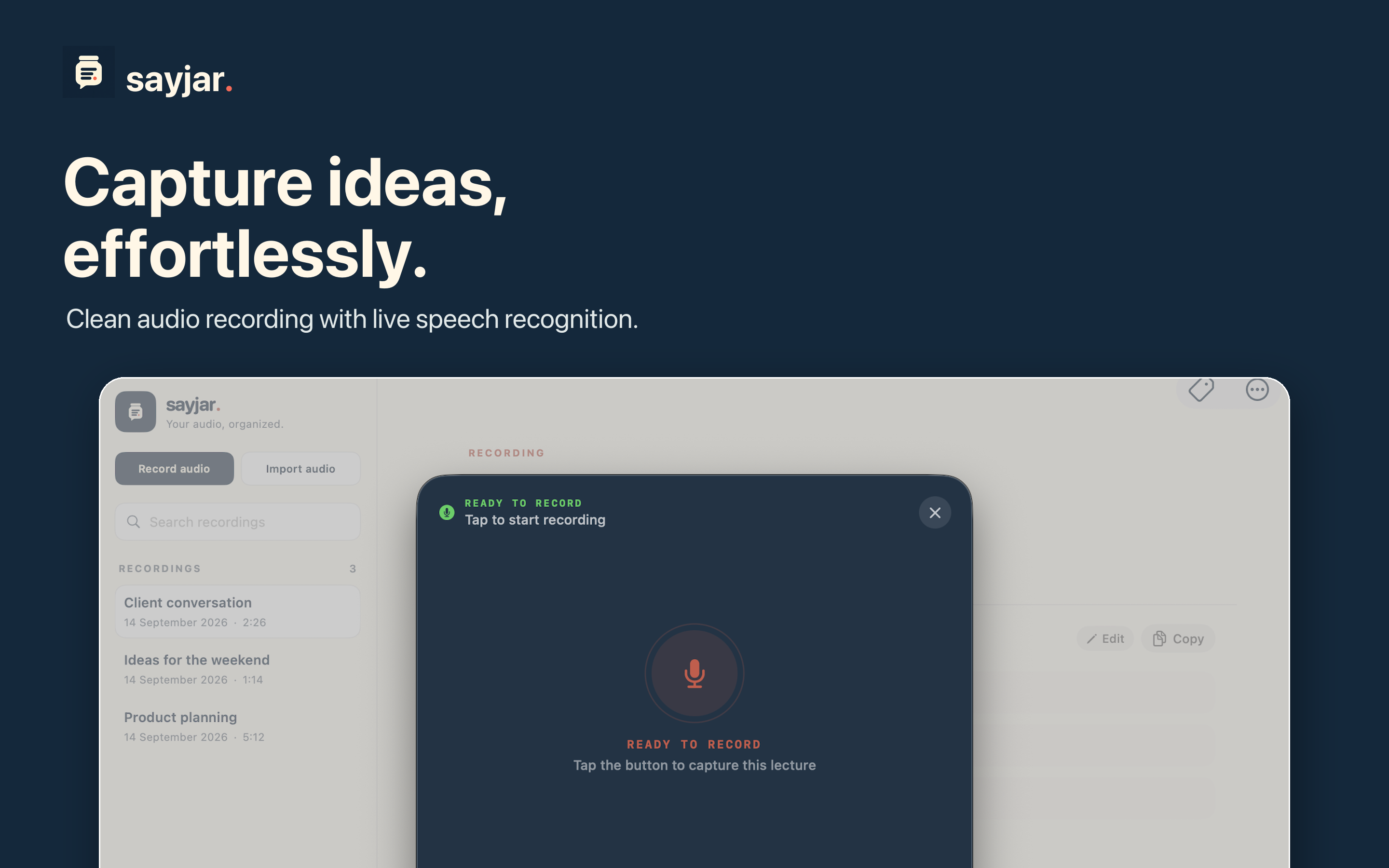
Start a live recording, or choose an existing WAV, M4A, MP3, or AAC file.
 sayjar
Get Sayjar
sayjar
Get Sayjar
On-device voice recorder & transcriber
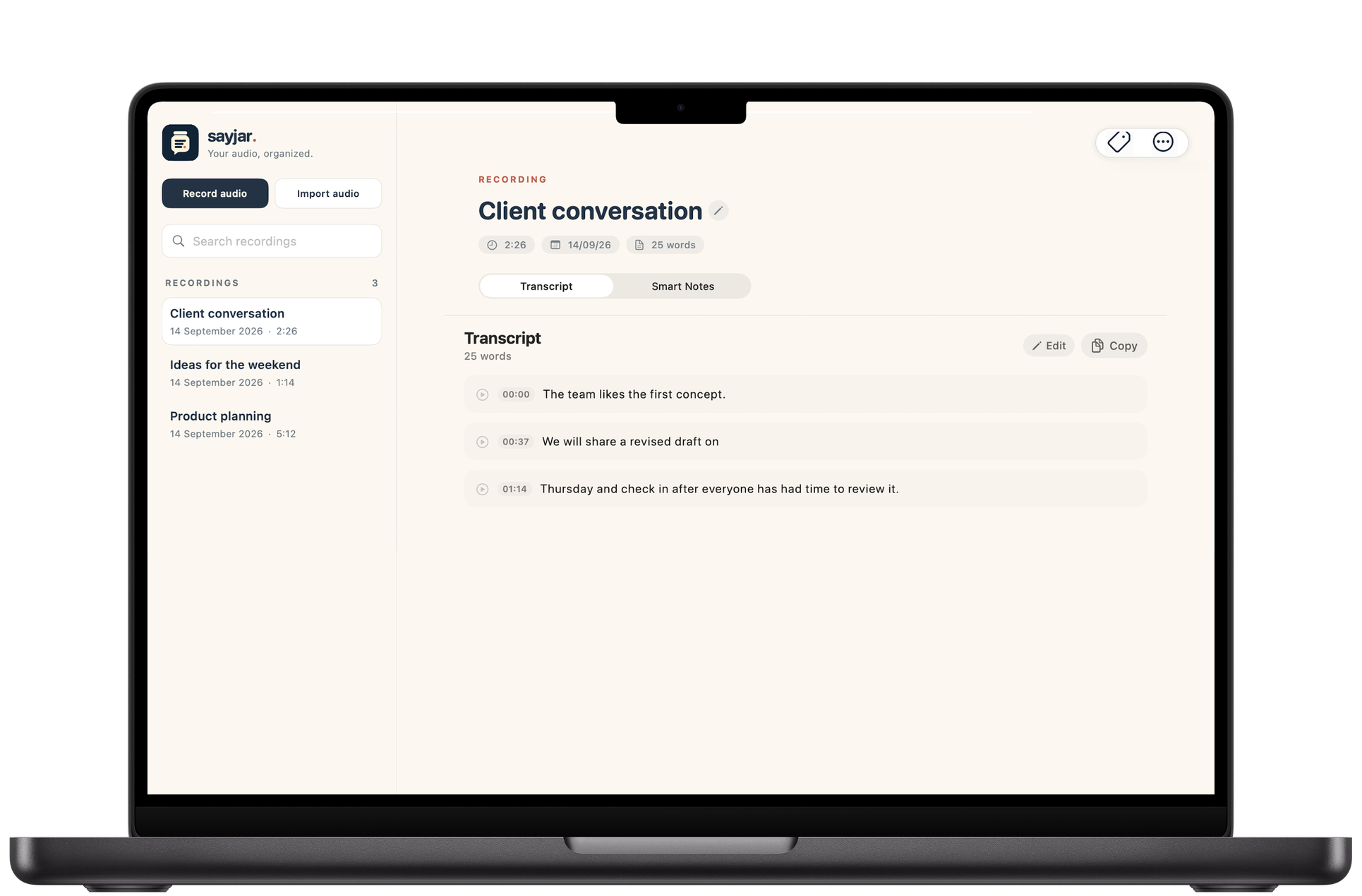
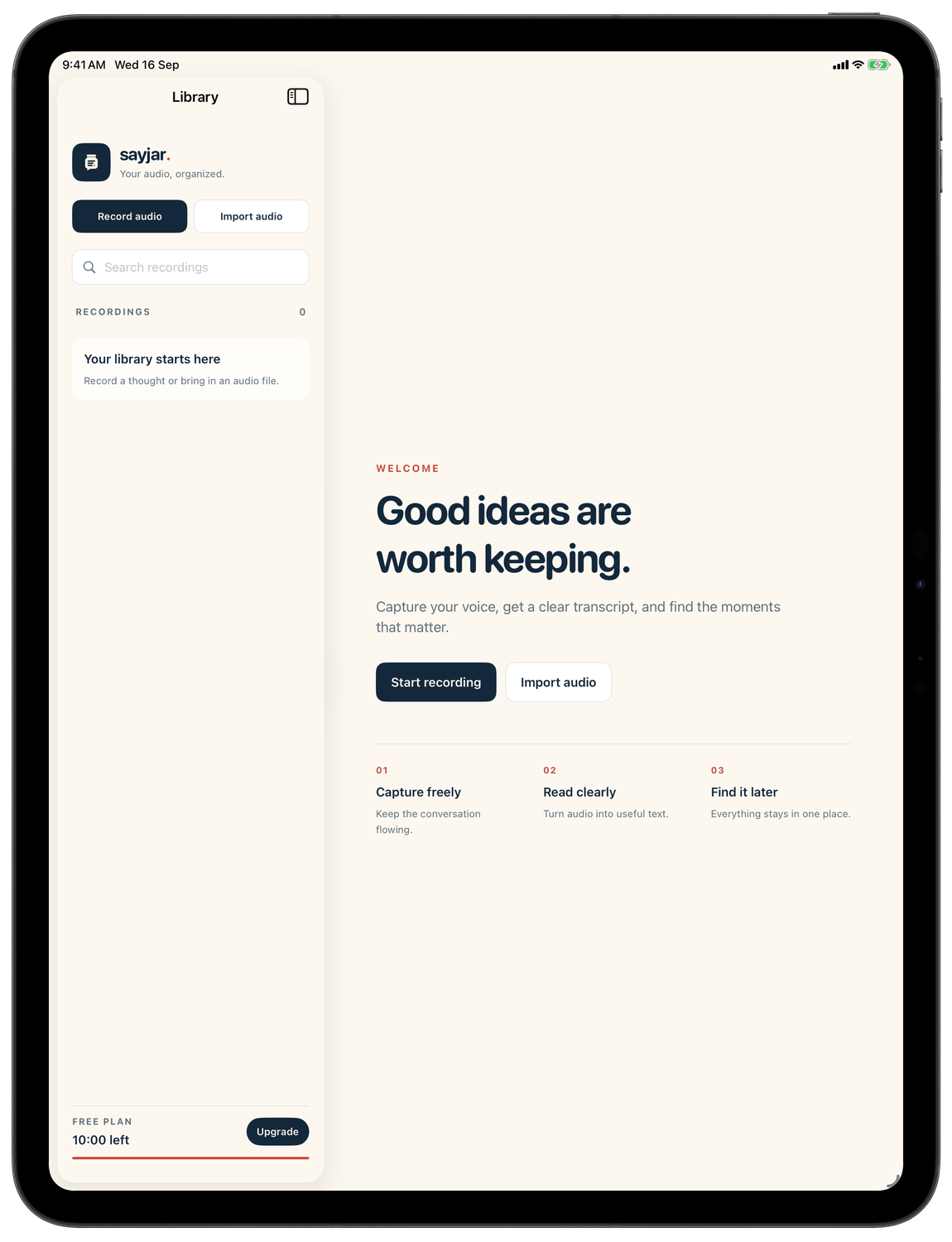
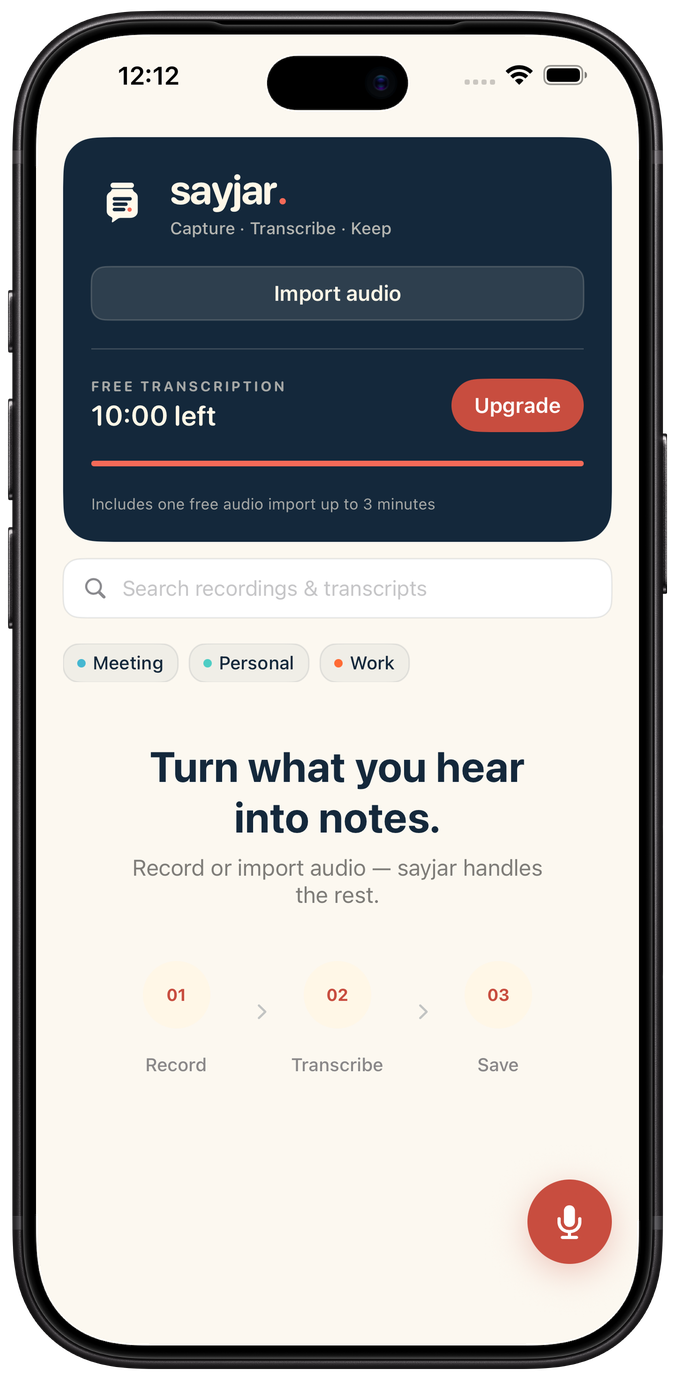
Record on your iPhone, review on your iPad, organize on your Mac. Sayjar turns spoken thoughts and conversations into clear notes on device.
One app for iPhone, iPad, and Mac.
01 No account needed
02 No audio uploads
03 No cloud AI
From voice to useful
Capture a thought in the moment or bring in audio you already have. Sayjar gives every recording a clear, searchable place to live.
Start a live recording, or choose an existing WAV, M4A, MP3, or AAC file.
Follow along with live transcription powered by Apple’s on-device speech technology.
Edit, search, tag, and export. On compatible devices, Smart Notes pulls out key points and actions.
Smart Notes
Turn a transcript into key points, decisions, and action items with Apple Intelligence—privately, on supported devices.
Privacy by architecture
Your recordings, transcripts, titles, tags, and Smart Notes stay on your device. There’s no Sayjar account and no content sent to our servers.
Start free
Free
Premium
Monthly and annual options. Prices are shown in your local currency in the App Store.
Sayjar is made for iPhone, iPad, and Mac. Your App Store account keeps your Premium subscription available across supported devices.
No. Recordings, imported audio, transcripts, and Smart Notes are processed and stored locally on your device.
Smart Notes uses Apple Intelligence and requires a compatible device, language, and system version. Core recording and transcription work without Smart Notes.
Yes. Sayjar can import WAV, M4A, MP3, and AAC audio files.
Private transcription for iPhone, iPad, and Mac.